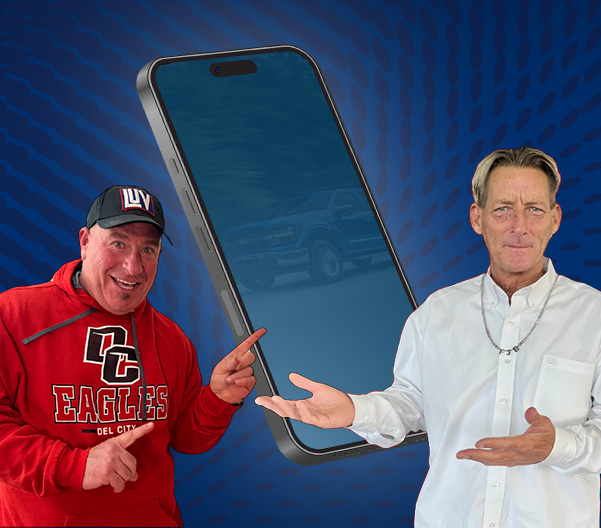
Experience a new level of connection with your Ford through the FordPass® app. FordPass® turns your smartphone into a powerful tool for managing your vehicle, making everything from daily driving to maintenance appointments easier and more convenient.
No matter if you're at home, at work or on the go, FordPass® puts control, information and assistance right in your hand so you can enjoy seamless ownership and peace of mind. Get all the details and review commonly asked questions below, then reach out to our Ford dealership near Muskogee for any more information!
What Can I Do with the FordPass® App?
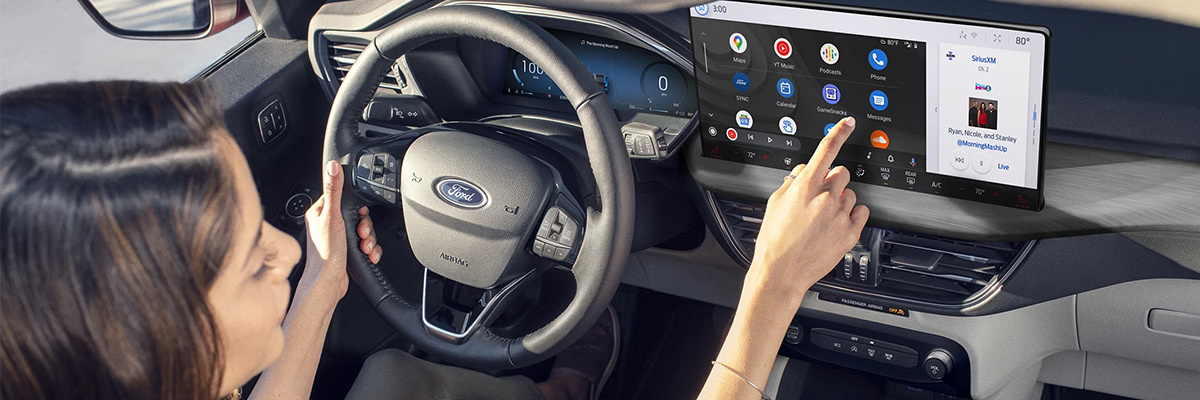
Whether you just bought a new Ford near Muskogee or are getting to know your current one, FordPass® unlocks an impressive suite of tools and features:
- Remote Features: Start the engine, lock or unlock the doors, and even check your vehicle's status -- all right from your phone. Select models can use Phone As A Key for added convenience.
- Vehicle Management: Monitor key health stats, get maintenance reminders and view service history so your Ford stays in top condition.
- Schedule Service: Book appointments at our Oklahoma Ford dealer, track the service process and stay ahead of regular maintenance.
- GPS Location: Locate your Ford easily, no matter where you parked.
- Electric Vehicle Features: For EV owners, manage charging schedules, monitor charge levels and find charging stations nearby.
- FordPass® Rewards™: Earn Points on purchases and service that can be redeemed for discounts and perks.
Manage payments, get personalized support and receive notifications about recalls or important updates -- all through one simple, intuitive app.
sFordPass® FAQs: What You Should Know
Get answers to common questions about using FordPass® and how it can make receiving Ford service in Henryetta much simpler and more streamlined.
FordPass® is a mobile app that lets you interact with your Ford vehicle in new ways. You can use it to access features like remote start, lock, unlock or track your vehicle, and more. It also delivers updates, maintenance reminders and connects you to rewards, roadside assistance and financing tools -- all in one place!
Yes, you can use FordPass® for remote access to your vehicle's locks and ignition when enabled. While most vehicles still require a key fob to drive, select models support seamless entry and start with Phone As A Key. Not all Ford vehicles offer these features, so be sure that your model is compatible, has SYNC® or Ford Digital Experience, and is activated in the app.
Remote start is available for compatible Ford vehicles when activated in the FordPass® app. This allows you to remotely start or stop your engine with your smartphone. Keep in mind, the vehicle will still need the key fob present to drive, unless you have Phone As A Key activated.
Download FordPass® from the App Store or Google Play. Once installed, create or log in to your Ford account, and then add your vehicle to get started. Choose your country, enter the required details and follow on-screen prompts to complete the setup.
Downloading and using FordPass® is free for iOS and Android users. Some services, such as remote start or certain connected features, require your vehicle's modem to be active and online.
Update your account info such as name, address or contact details by going to the Account section in the app. Select Account Information, make the necessary changes, save, and exit. If you need further help, use the Help option within the app.
You can stop FordPass® remote access and connected services through vehicle settings, or by making a request to Ford. This gives you control over privacy and connectivity based on your needs.
Learn How to Use the FordPass® App
Discover all the capabilities of FordPass® with support from your local team. Contact LUV Ford in Henryetta for setup help, service guidance or tips on getting the most out of your FordPass® experience. Take control of your drive, your maintenance and your rewards -- all from your phone!
Learn More: Why Buy from Us? | Ford Truck Lineup | Ford Truck Comparison